
Why Is My HMI Unresponsive? Troubleshooting PLC-to-SCADA Communication Lag
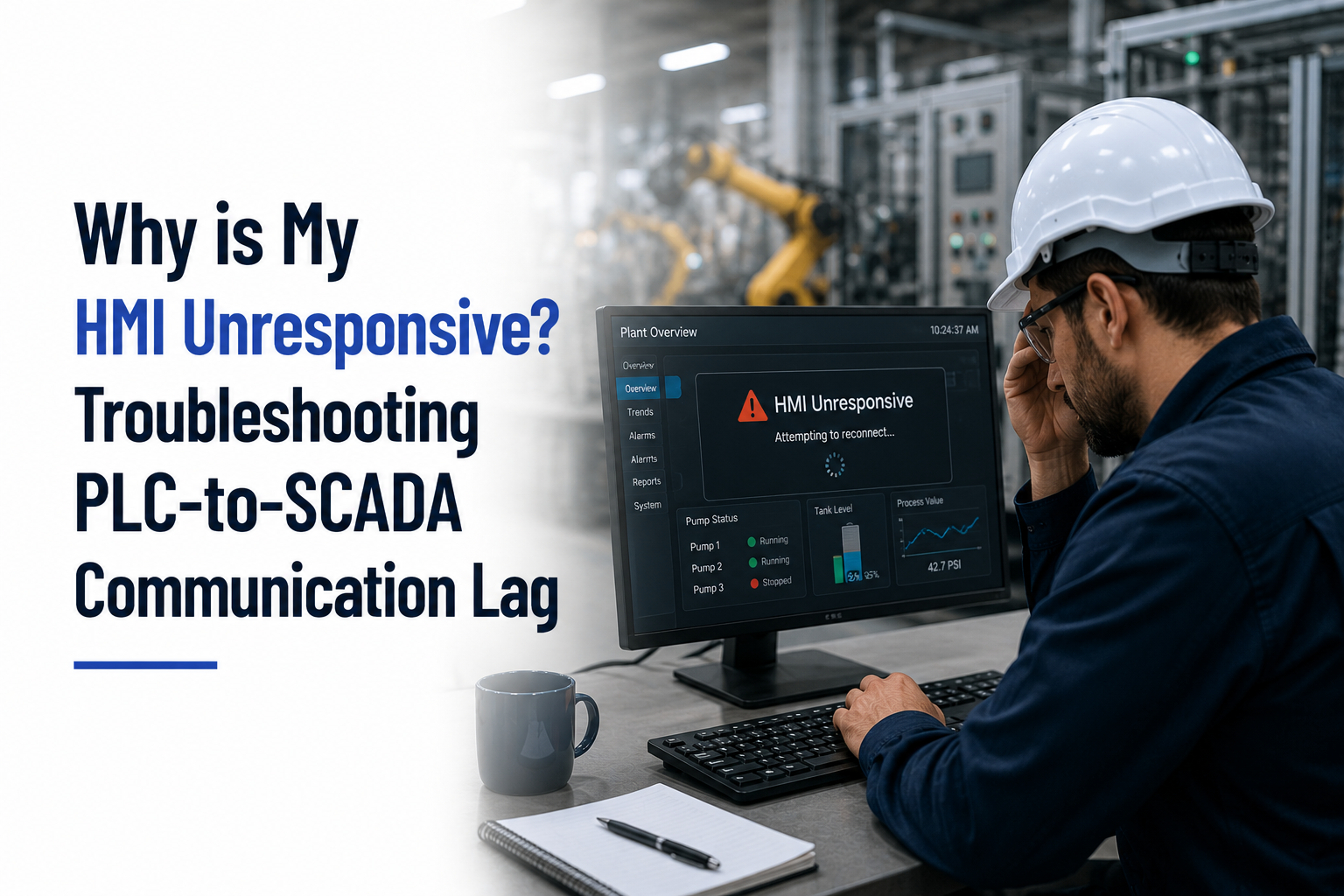
An HMI that suddenly freezes, responds slowly, or stops displaying real-time machine data can bring production to a halt. Operators lose visibility into equipment status, alarms may not update correctly, and maintenance teams are left trying to determine whether the issue lies with the HMI, the PLC, the SCADA system, or the industrial network itself.
For manufacturers across Connecticut, including Hartford, New Haven, Bridgeport, Waterbury, Stamford, Groton, Bristol, Danbury, and surrounding New England communities, communication issues between PLCs, HMIs, and SCADA systems are among the most common automation challenges.
The good news is that many of these problems can be diagnosed and resolved with a structured troubleshooting approach.
Understanding PLC-to-HMI-SCADA Communication
In a typical industrial automation system, each component plays a specific role.
- PLCs control machines and process equipment by executing real-time logic.
- HMIs allow operators to monitor machine status and interact with equipment.
- SCADA systems collect data from one or more PLCs, visualize plant performance, store historical information, and generate alarms and reports.
For the operator to see accurate, real-time information, these systems must communicate continuously over a reliable industrial network.
When communication slows down or fails, the HMI may appear frozen, values may stop updating, alarms may be delayed, or operators may experience significant lag between commands and machine responses.
Common Causes of HMI Communication Lag
1. Network Congestion
One of the most common causes of slow HMI performance is excessive network traffic.
As manufacturers add more PLCs, HMIs, SCADA servers, IIoT devices, cameras, and remote monitoring systems, network bandwidth can become saturated.
Symptoms often include:
- Slow screen changes
- Delayed tag updates
- Intermittent communication errors
- Random HMI freezing
- Delayed alarm notifications
Segmenting industrial networks and properly configuring managed Ethernet switches can significantly improve communication performance.
2. PLC Scan Time Has Increased
The HMI can only display information as quickly as the PLC updates it.
If the PLC’s scan time increases because of additional logic, large data arrays, communication instructions, or inefficient programming, HMI performance may also suffer.
Common reasons include:
- New machine functionality
- Added production lines
- Increased data logging
- Large communication routines
- Inefficient PLC programming
Reviewing PLC diagnostics often reveals whether scan time has become a bottleneck.
3. Too Many Tags Being Polled
Every value displayed on an HMI requires communication with the PLC.
Poorly designed HMI screens sometimes request thousands of tags every second—even when operators are not viewing those screens.
This unnecessary polling places additional load on both the PLC and the communication network.
Best practices include:
- Poll only active screens.
- Group related tags efficiently.
- Reduce unnecessary refresh rates.
- Optimize communication drivers.
Even small changes can noticeably improve responsiveness.
4. SCADA Server Performance Issues
The problem may not be the PLC or the HMI at all.
SCADA servers handling historian data, reporting, SQL transactions, alarm processing, and multiple client connections may experience high CPU or memory utilization.
When server resources become constrained, communication delays can occur throughout the automation system.
Regular monitoring of server health helps identify performance bottlenecks before they impact production.
5. Hardware or Network Failures
Communication issues can also stem from physical infrastructure.
Potential causes include:
- Damaged Ethernet cables
- Failing industrial switches
- Loose network connectors
- Faulty communication modules
- PLC communication card failures
- Incorrect IP configurations
- Duplex or speed mismatches
Because these issues can mimic software problems, inspecting the physical network is an essential troubleshooting step.
6. Outdated Software or Firmware
Older firmware versions may introduce compatibility issues, communication inefficiencies, or software bugs.
Updating PLC firmware, HMI runtime software, communication drivers, or SCADA platforms—after proper testing—can improve overall system stability and performance.
Manufacturers should include software updates as part of their preventive maintenance strategy.
A Step-by-Step Troubleshooting Process
Rather than replacing hardware immediately, follow a structured approach to isolate the source of the problem.
Step 1: Identify the Scope
Determine whether the issue affects:
- One HMI
- Multiple HMIs
- One PLC
- Multiple PLCs
- The entire SCADA system
This helps narrow the investigation.
Step 2: Check Network Health
Review:
- Switch status
- Port utilization
- Network errors
- Packet loss
- Device connectivity
Industrial Ethernet diagnostics can quickly reveal communication problems.
Step 3: Review PLC Diagnostics
Check:
- PLC scan time
- Communication statistics
- Processor utilization
- Fault logs
- Module status
These indicators often identify whether the controller is overloaded.
Step 4: Examine SCADA Performance
Monitor:
- Server CPU usage
- Memory utilization
- Historian activity
- Alarm processing
- Database performance
- Client connections
Resource constraints frequently contribute to communication lag.
Step 5: Test Individual Components
Disconnect or temporarily isolate devices to determine whether a specific PLC, HMI, or network segment is causing the slowdown.
Testing one component at a time helps eliminate unnecessary guesswork.
Preventing Future Communication Issues
While some failures are unavoidable, many communication problems can be prevented through proactive maintenance and thoughtful system design.
Recommended practices include:
- Segment industrial and business networks.
- Monitor network performance regularly.
- Archive and optimize PLC programs.
- Remove unused tags from HMI projects.
- Maintain software and firmware updates.
- Document network architecture.
- Back up PLC, HMI, and SCADA configurations.
- Schedule periodic system health assessments.
A proactive approach reduces unexpected downtime and improves long-term reliability.
Why Local Automation Support Matters
When communication issues occur, every minute of downtime affects production.
Working with a local automation partner means faster access to engineers who understand your equipment, PLC platform, and network architecture.
Manufacturers across Connecticut benefit from responsive support for:
- PLC troubleshooting
- HMI optimization
- SCADA diagnostics
- Industrial Ethernet networking
- PLC migrations
- Control system upgrades
- Remote diagnostics
- On-site commissioning
Quick access to experienced automation engineers can significantly reduce downtime during critical production periods.
Keep Your Automation System Running Reliably
An unresponsive HMI is often a symptom of a deeper issue within the automation system—not necessarily a fault with the HMI itself. Network congestion, PLC scan times, inefficient tag polling, server performance, and outdated software can all contribute to communication lag.
By following a structured troubleshooting process and addressing root causes instead of symptoms, manufacturers can restore reliable communication, improve operator confidence, and reduce costly production interruptions.
For facilities across Connecticut and New England, regular system assessments and proactive maintenance remain the most effective way to prevent communication issues before they impact operations.
How Pronto System Solutions Can Help
At Pronto System Solutions, we help manufacturers across Connecticut and New England diagnose and resolve PLC, HMI, and SCADA communication issues quickly and efficiently. Our team provides PLC programming, SCADA integration, industrial networking, HMI optimization, remote troubleshooting, and on-site support to keep your automation systems operating at peak performance.
Frequently Asked Questions
Why is my HMI responding slowly?
Slow HMI performance is often caused by network congestion, excessive tag polling, increased PLC scan times, overloaded SCADA servers, or hardware communication issues. A systematic review of the PLC, network, and SCADA system is usually needed to identify the root cause.
Can a PLC cause an HMI to freeze?
Yes. If the PLC experiences high processor utilization, communication faults, or long scan times, the HMI may stop receiving timely updates, making it appear frozen or unresponsive.
How do I know if the problem is the network or the PLC?
Start by checking network diagnostics, switch status, and communication errors. If the network appears healthy, review PLC scan times, processor utilization, and fault logs to determine whether the controller is causing delays.
Can SCADA software affect HMI performance?
Yes. Overloaded SCADA servers, inefficient database queries, excessive historian activity, or resource limitations can slow communication between PLCs and HMIs, affecting overall system responsiveness.
How can manufacturers prevent PLC-to-SCADA communication issues?
Regular preventive maintenance, optimized PLC programming, efficient HMI tag management, network monitoring, software updates, and periodic automation health assessments help reduce communication problems and improve system reliability.